
Adobe releases After Effects 26.2
Adobe has released After Effects 26.2, the latest version of the compositing software for motion graphics, post-production and VFX work.
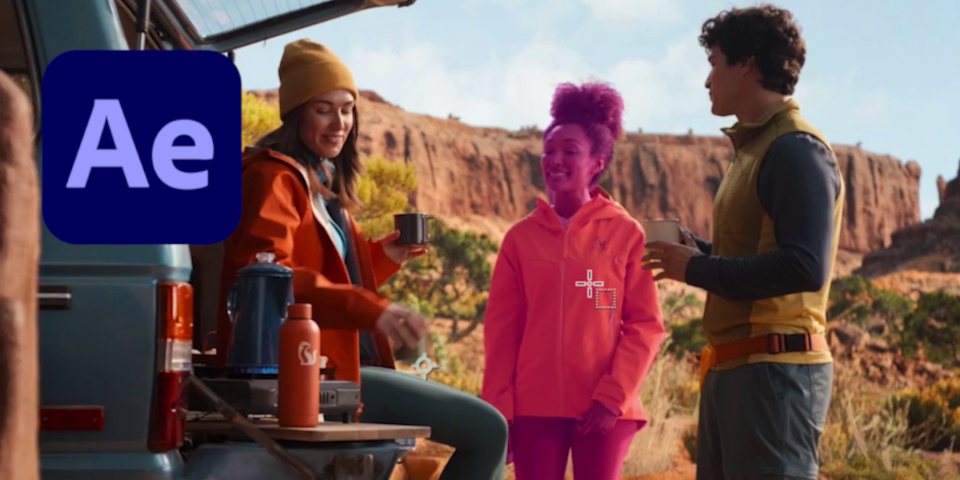
The update introduces an AI-powered Object Matte tool, which makes it possible to isolate moving objects in video footage simply by clicking on them in a single frame.
In addition, After Effects now supports displacement on parametric 3D meshes.
New Object Matte Tool generates mattes for people and vehicles in one click
The main new feature in After Effects 26.2 is the Object Matte Tool, which automatically generates mattes of moving subjects in video footage.
Unlike the existing Roto Brush, you don’t need to paint over the subject – usually a person, animal or vehicle – to isolate it: you just click on it or marquee-select it.
After Effects then automatically generates a matte isolating the subject selected from the background, and tracks it throughout the shot.
The change brings After Effects in line with features like Magic Mask in DaVinci Resolve and Fusion Studio, or the AI matte-generation tools in Flame.
Support for displacement on 3D meshes
After Effects 26.2 also builds on two of the new 3D features in After Effects 26.0: the ability to create 3D primitives directly inside the software, and native support for Substance materials.
After Effects now supports displacement on parametric meshes, as well as the existing material channels.
Updates to SVG support
Support for SVG files, also introduced in After Effects 26.0, has been extended.
You can now import vector designs in SVG format as compositions – which converts each element to separate, editable shape layers – or as footage, which creates a single layer.
Importing as footage is recommended for single-layer graphics, where you don’t need to animate elements of the design individually.
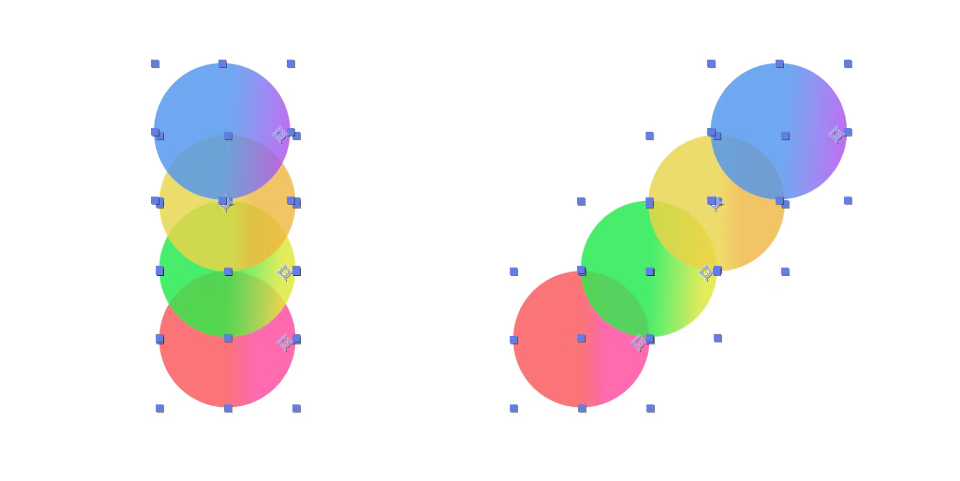
Proportional scrubbing creates quick cascade and gradient effects
Other changes include support for proportional scrubbing in the timeline.
It makes it possible to adjust selected properties across multiple layers of a composition, with After Effects distributing the change in value proportionally according to selection order.
In the image above, it has been used to offset the positions of the shape layers horizontally, rather than moving them all by the same amount, as with conventional scrubbing.
Suggested uses include creating “cascades … and gradient-style animation with a single drag”.
Quality-of-life improvements
Workflow changes include Quick Apply, which makes it possible to search for effects, presets or menu commands from a single search box, then apply them from the search results.
Price and system requirements
After Effects 26.2 is available for Windows 11 and macOS 14.0+ on a rental-only basis. Single-app After Effects subscriptions cost $34.49/month or $263.88/year.
Read a full list of new features in After Effects 26.2 in the online release notes
Have your say on this story by following CG Channel on Facebook, Instagram and X (formerly Twitter). As well as being able to comment on stories, followers of our social media accounts can see videos we don’t post on the site itself, including making-ofs for the latest VFX movies, animations, games cinematics and motion graphics projects.